[04] EXTENSION · 2026
CSS Inspector for Chrome
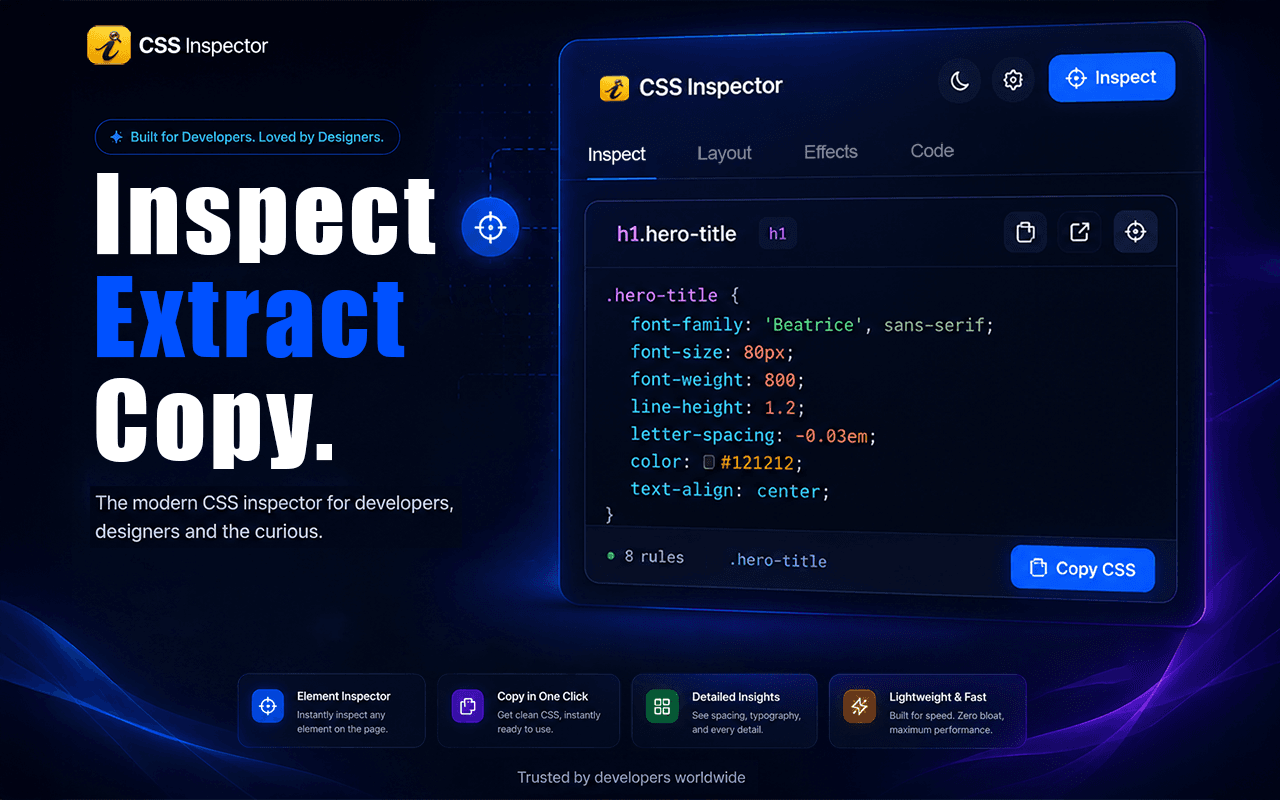
A Chrome extension that extracts the CSS of any element on any live website: hover to inspect, click to copy. Like Figma's Dev Mode, but for the live web.
- React
- TypeScript
- Chrome Extensions API
- Manifest V3
- Tailwind CSS
- Vite
01 — OVERVIEW
CSS Inspector for Chrome is a Chrome extension for reading the real styles of any element on a live website without digging through Chrome DevTools. Hovering highlights the element with its exact selector and dimensions; clicking extracts its full computed CSS into a clean side panel, grouped and ready to copy. Beyond extraction it supports UI debugging and design audits, giving developers, designers and QA teams one workflow to review layouts and visual implementation on any HTTP or HTTPS page. It is published on the Chrome Web Store.
02 — RESULTS
56 users · 5.0★ (6 ratings) on the Chrome Web Store.
03 — MY ROLE: SOLE DEVELOPER
Built at Webozza (formerly Stackifya). I built the extension end to end on my own and shipped it to the Chrome Web Store: the inspection overlay, style extraction, side-panel interface, accessibility checks and store release.
04 — WHO IT SERVES
Frontend developers grabbing CSS from live sites, designers checking a live page against the Figma file, QA engineers verifying spacing and contrast, and agencies reviewing client or competitor sites.
05 — KEY FEATURES
- 01Hover any element to highlight it with its exact selector and live dimensions
- 02Click to extract the element's full CSS into a side panel
- 03Colors: text, background and border with exact hex values
- 04Typography: font family, size, weight, line-height and alignment
- 05Spacing: padding, margin, width, height and box model
- 06Effects: shadows, borders, opacity and transitions
- 07Contrast ratio with WCAG pass/fail result
- 08Clean, copy-ready CSS output
- 09Chrome side-panel interface that works on any website
- 10Audit layout, spacing, alignment and structural hierarchy on live production sites
- 11Review responsive behavior and visual consistency across breakpoints
- 12Element highlighting and structural outline overlays
- 13Works on both HTTP and HTTPS pages
- 14Keeps the existing Chrome DevTools workflow intact
- 15Privacy-conscious: runs entirely in the browser with no tracking
- 16Published on the Chrome Web Store